FOR PRODUCT TEAMS
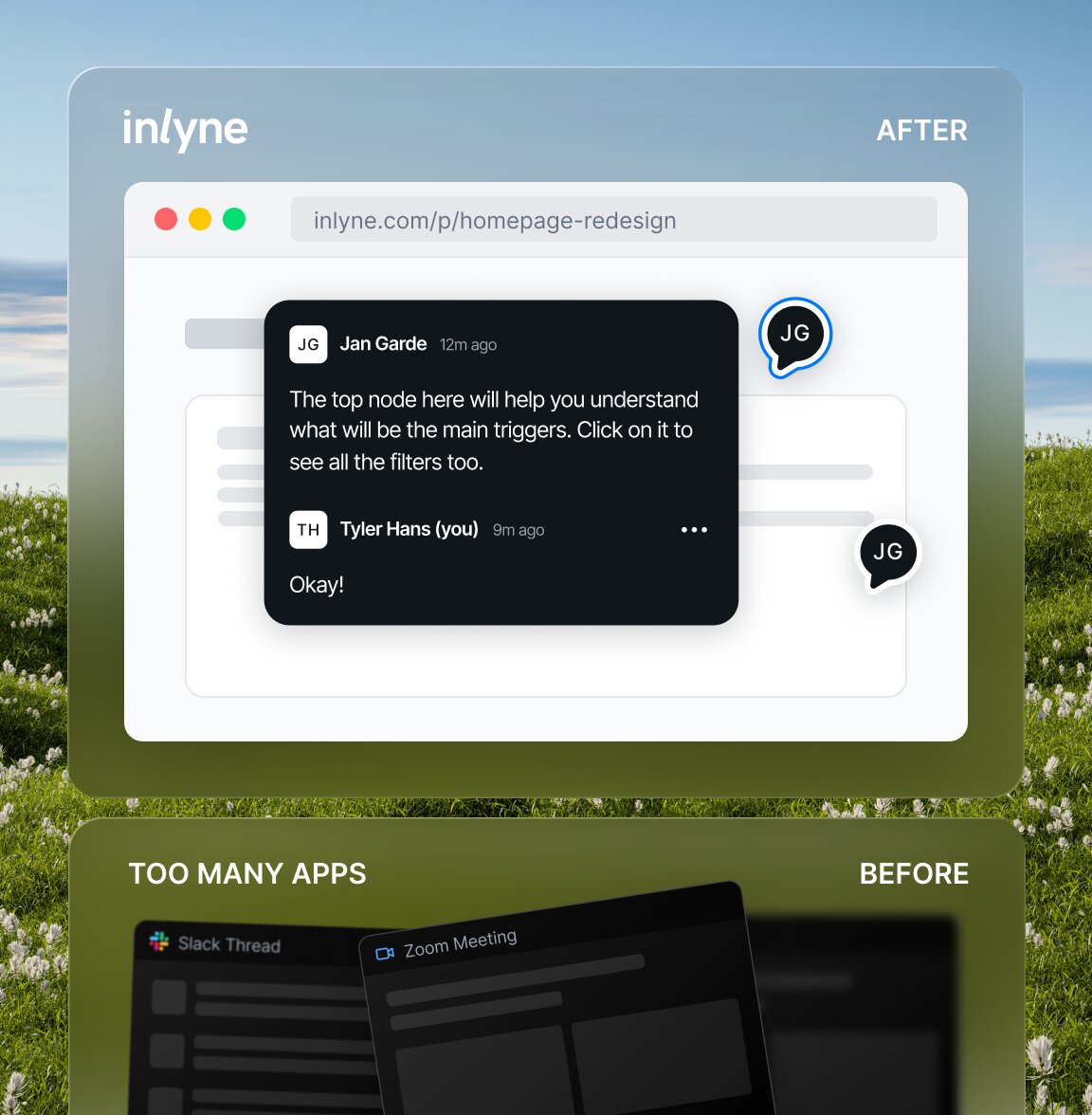
Stop translating Slack into Jira.
Designers, PMs, and engineers reviewing the same staging build shouldn't need three tools and a meeting. Inlyne pins every comment to the exact element, viewport, and URL — so the conversation stays where the work is.
WHY PRODUCT TEAMS SWITCH
Built for the way
modern product teams ship
Tighter design QA
Catch regressions before release. Designers pin issues directly on the build instead of writing "the spacing on the third card, mobile only."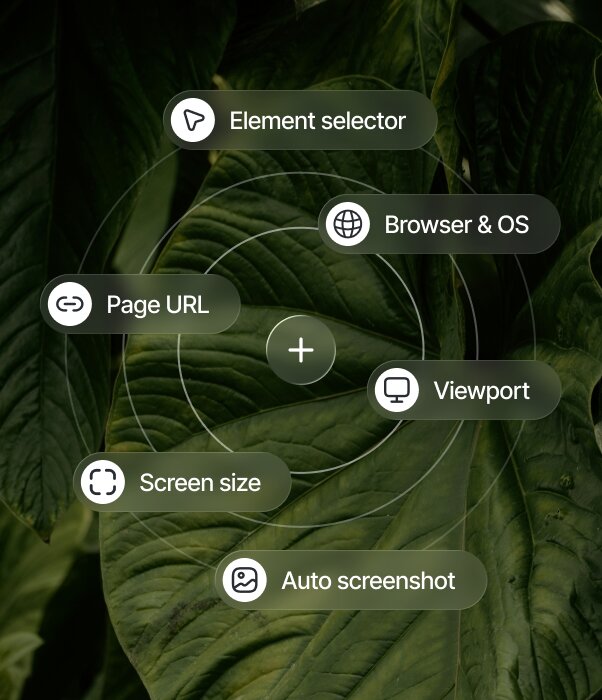
Context devs can act on
Every comment carries the URL, viewport, and screenshot. No "works on my machine," no repro hunting.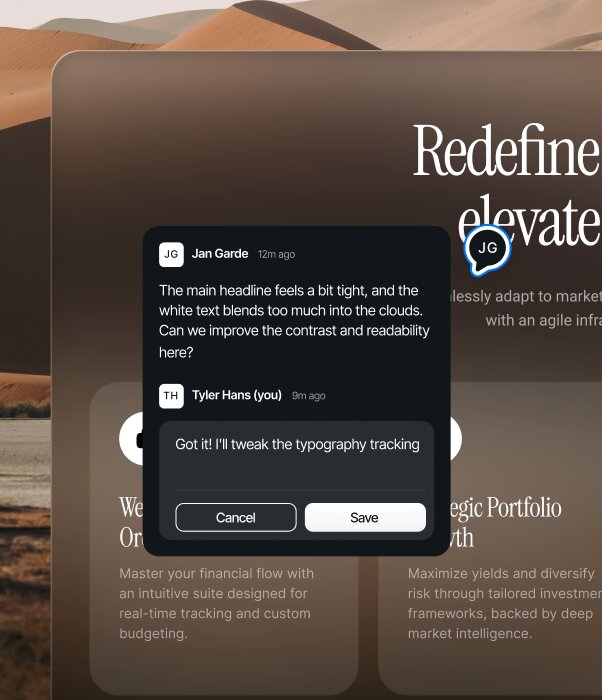
One thread per pixel
Replies stay attached to the element. Decisions don't get buried in Slack scrollback or lost between sprints.HOW IT WORKS
From setup to feedback
in minutes
1
Add your project
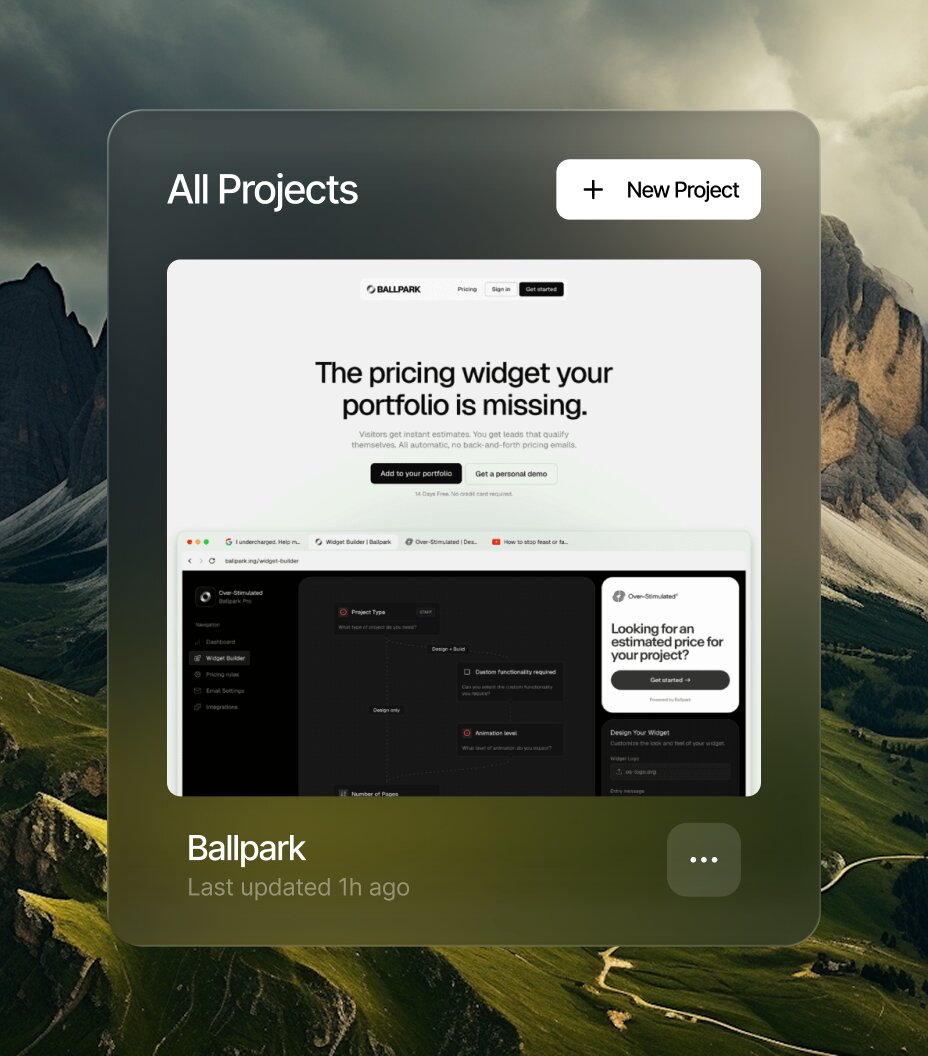
From your dashboard, add a public URL or connect your repo. Inlyne takes care of the setup.
2
Invite your team and clients
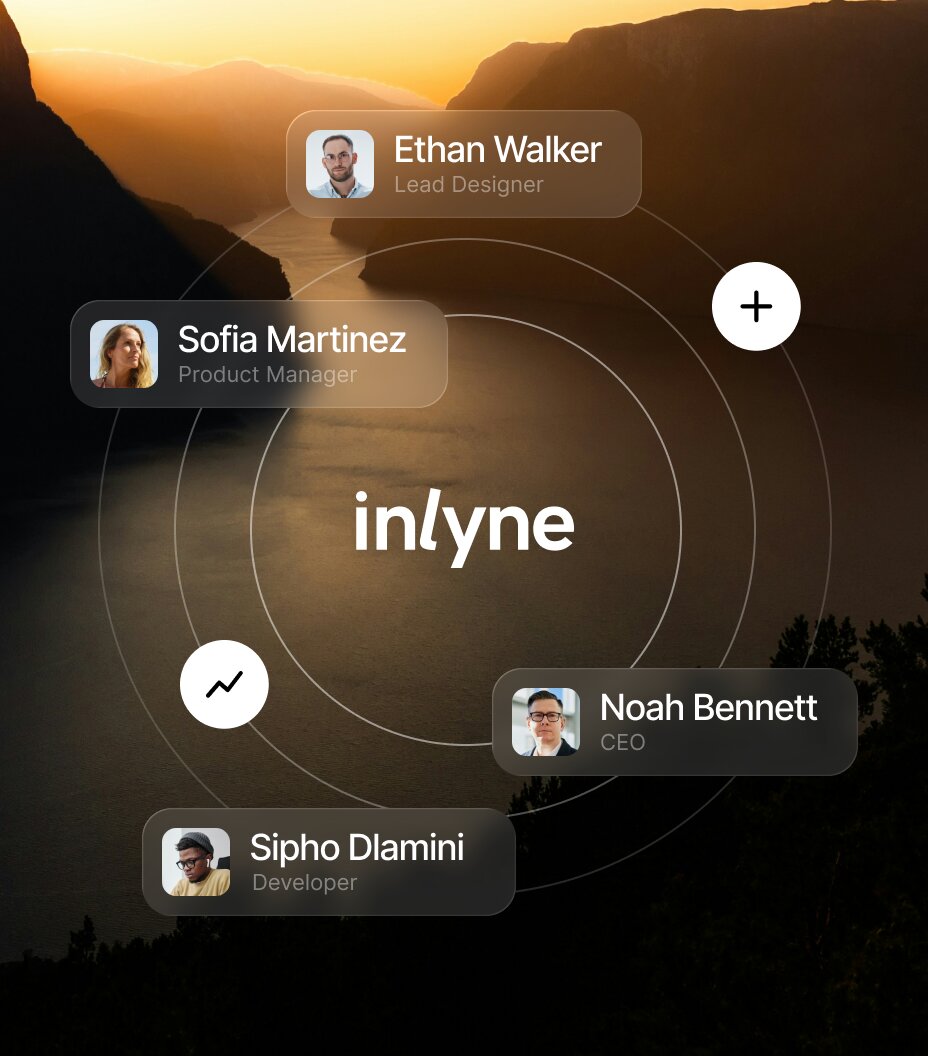
Invite designers, developers, and clients to the project. Everyone comments under their own name.
3
Comment and resolve
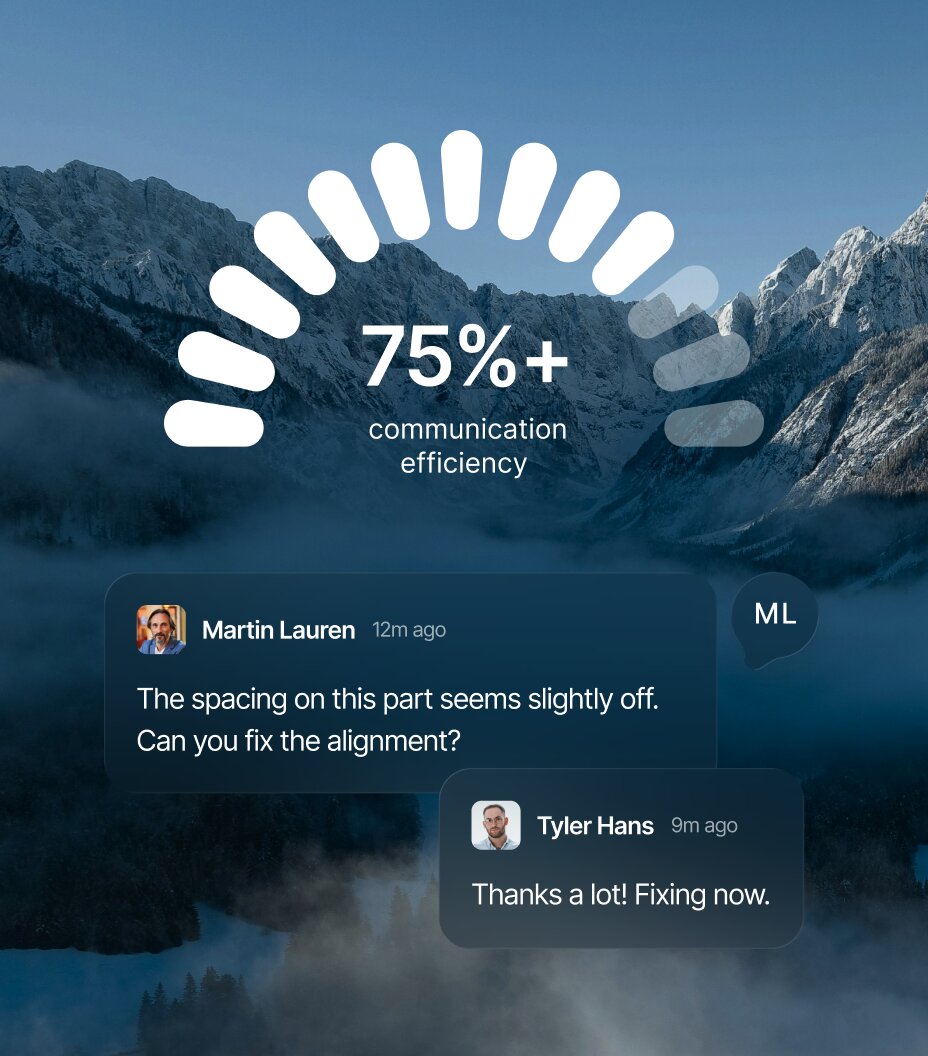
Comment right on the page - in your dashboard or the browser extension - then track replies and resolve.
TRUSTED BY
Hear us from people
that ship
Our staff commented right on the admin dashboard, logged in, with real orders on screen. The developers finally saw what we saw.




FAQ
Questions?
We have answers
How is this different from leaving comments in Figma?
Figma is for design files. Inlyne is for the actual live site — the staging build, the implemented version, the thing your users will see. Once design moves into code, Figma comments stop being useful. Inlyne picks up there.
Can designers and PMs leave feedback together?
Yes. Anyone you invite can comment in the same workspace. On Pro Plus, you can also add one editor who can resolve comments and manage projects alongside you.
How do we triage comments?
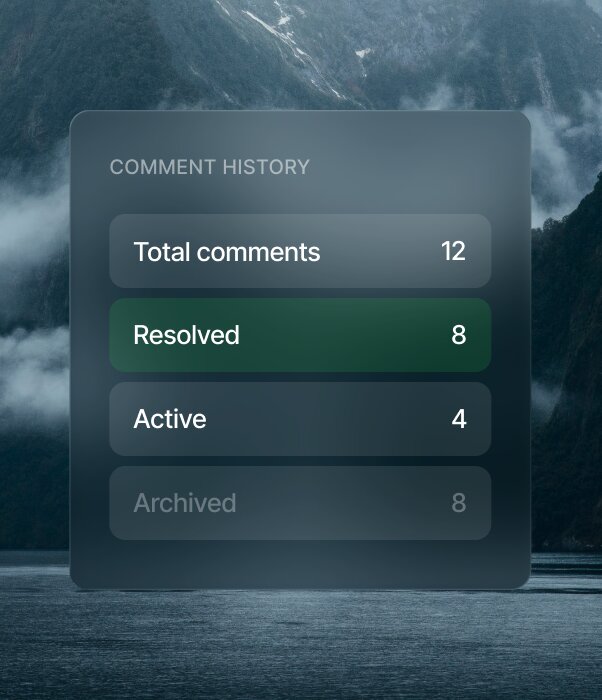
Built-in categories (Bug, UI issue, Copy) let reviewers tag what kind of feedback they're leaving. Threaded replies keep discussion attached to the comment, and resolved/unresolved views let you focus on what's still open.
Can we use Inlyne for user testing or stakeholder review?
Stakeholder review is a great fit — invite execs or cross-functional reviewers to leave feedback directly on the build. For formal user testing, Inlyne isn't built for that, but it works well for informal "click around and tell us what's broken" rounds.
How do developers see what needs to change?
Each comment shows the pinned element, screenshot, URL, and viewport state. Developers get the full visual context — no "which page were you on?" follow-ups.
Can Inlyne turn a review thread into an implementation prompt?
Yes. On Pro Plus and Lifetime, Get Prompt for Agent combines the original comment and follow-up decisions with the latest target context and a fresh screenshot. It produces a clear prompt in the original comment's language, ready to paste into a developer's coding agent. The latest prompt is saved for reuse, and each project includes 20 generations per 24-hour period.
Can we filter comments by status or category?
Yes. The dashboard supports filtering across projects so you can see all unresolved bugs, all UI issues, or just what's new since last week.
Does Inlyne replace Linear or Jira?
No — Inlyne handles visual feedback while your project tool continues to manage delivery. Jira, Trello, and ClickUp integrations are available now, so an owner or editor can turn an unresolved comment into linked work with its page, device, URL, priority, and category. Comment updates can be synced manually, and resolving the Inlyne comment lets you mark the external item complete. Changes made in the external tool are not imported back automatically.
Can multiple teams use the same workspace?
On Pro and Pro Plus, the workspace is built for one team. For larger orgs with multiple teams needing separate creators/admins, the upcoming Team plan with seat-based pricing is the right fit.
Is the workspace per-team or per-company?
Per workspace — usually one team. If you need multiple teams with role-based access, that's what Team plan will unlock.