FOR AGENCIES
Get client sign-off without the screenshot circus.
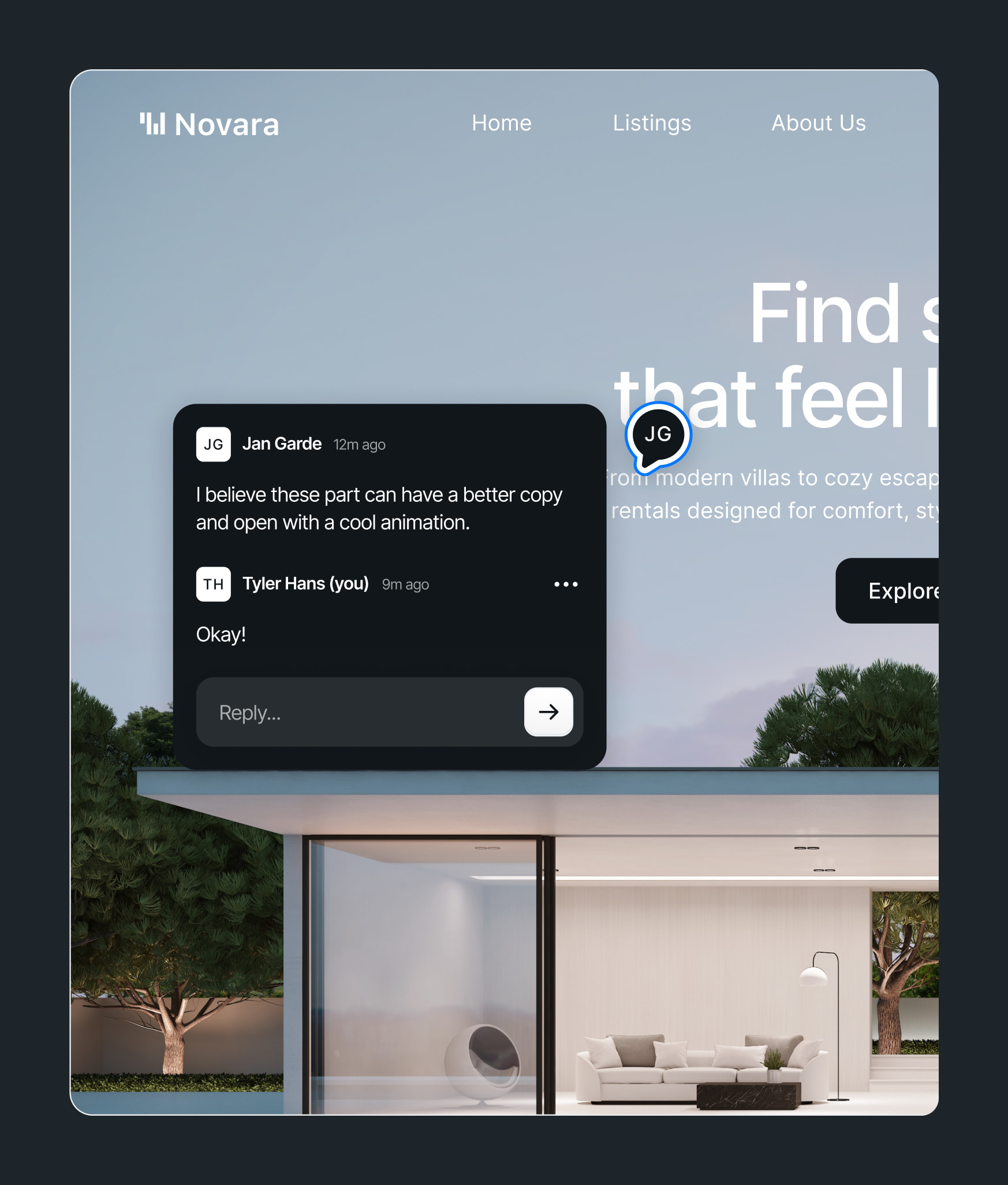
Stop chasing feedback across email, Slack, and Loom. Inlyne lets your clients leave pinned comments directly on staging sites — so revisions are clear, fast, and signed off in one place.
WHY AGENCIES SWITCH
Built for the way
agencies actually work
Faster sign-off
Clients click and comment. No call, no Loom, no "can you mock that up?"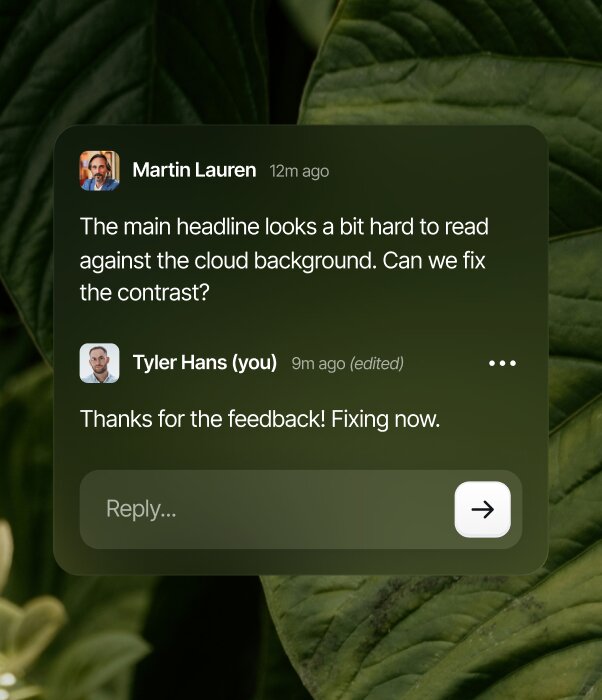
Clean handoff to dev
Each comment carries the URL, viewport, and screenshot.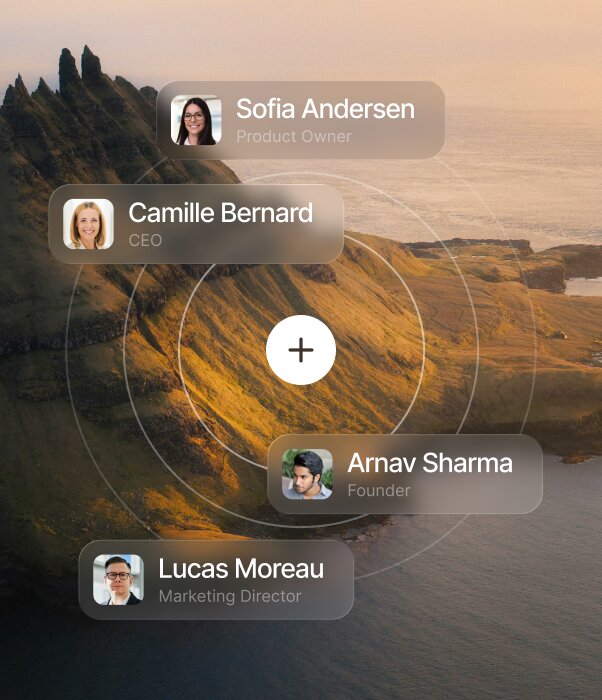
Free for clients
Guest commenters never pay. You add as many client reviewers as you need.HOW IT WORKS
From setup to feedback
in minutes
1
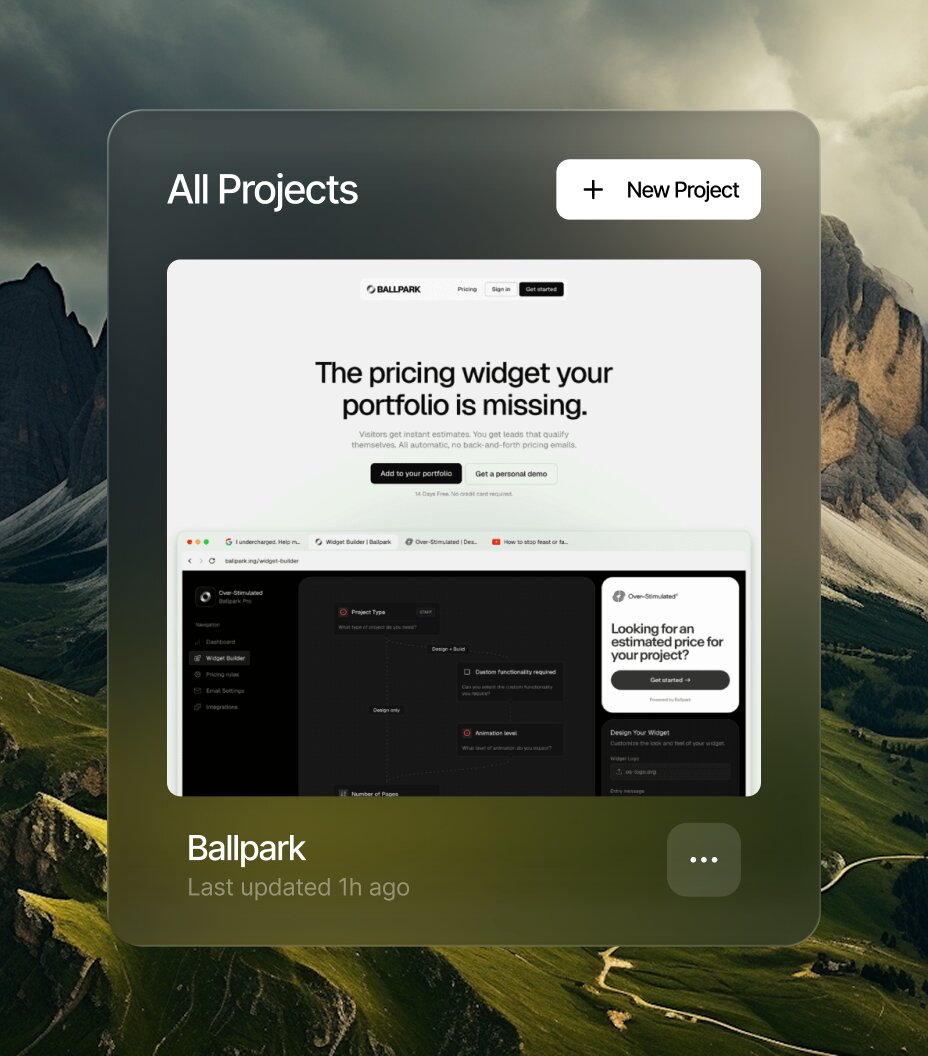
Add your project
From your dashboard, add a public URL or connect your repo. Inlyne takes care of the setup.
2
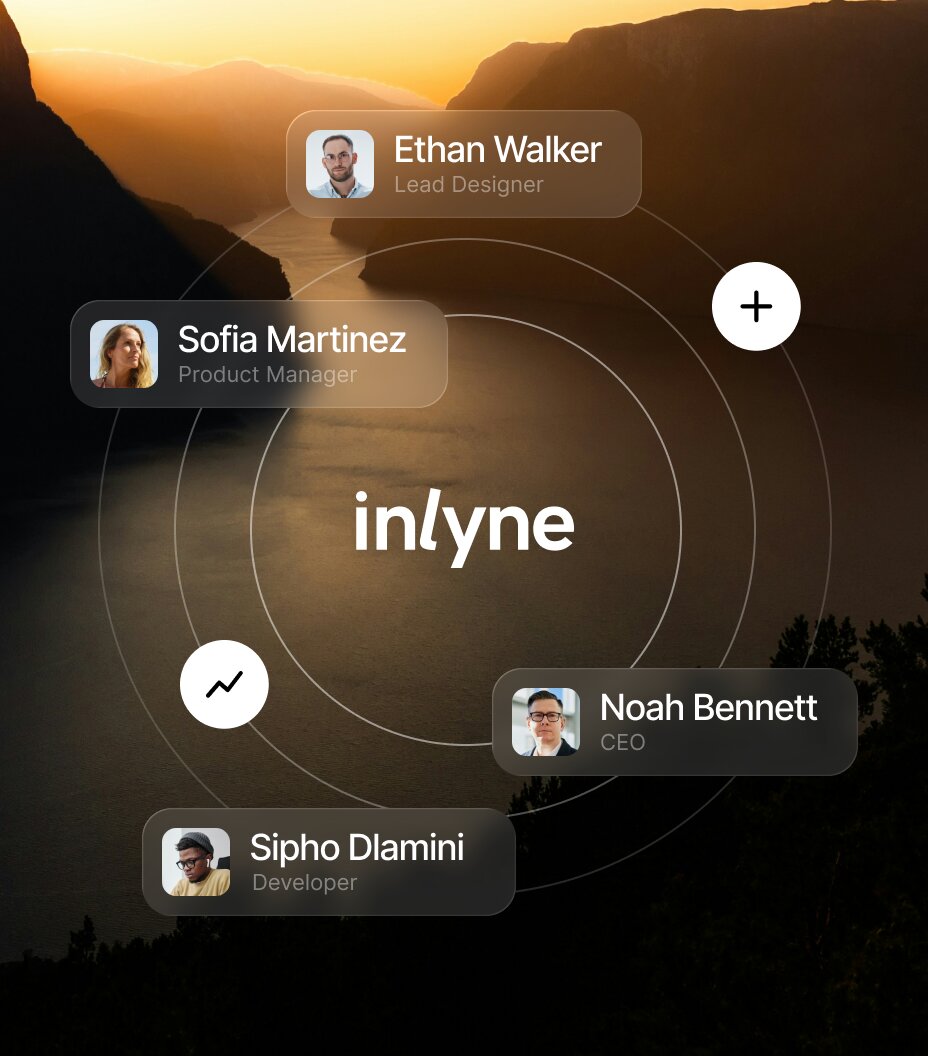
Invite your team and clients
Invite designers, developers, and clients to the project. Everyone comments under their own name.
3
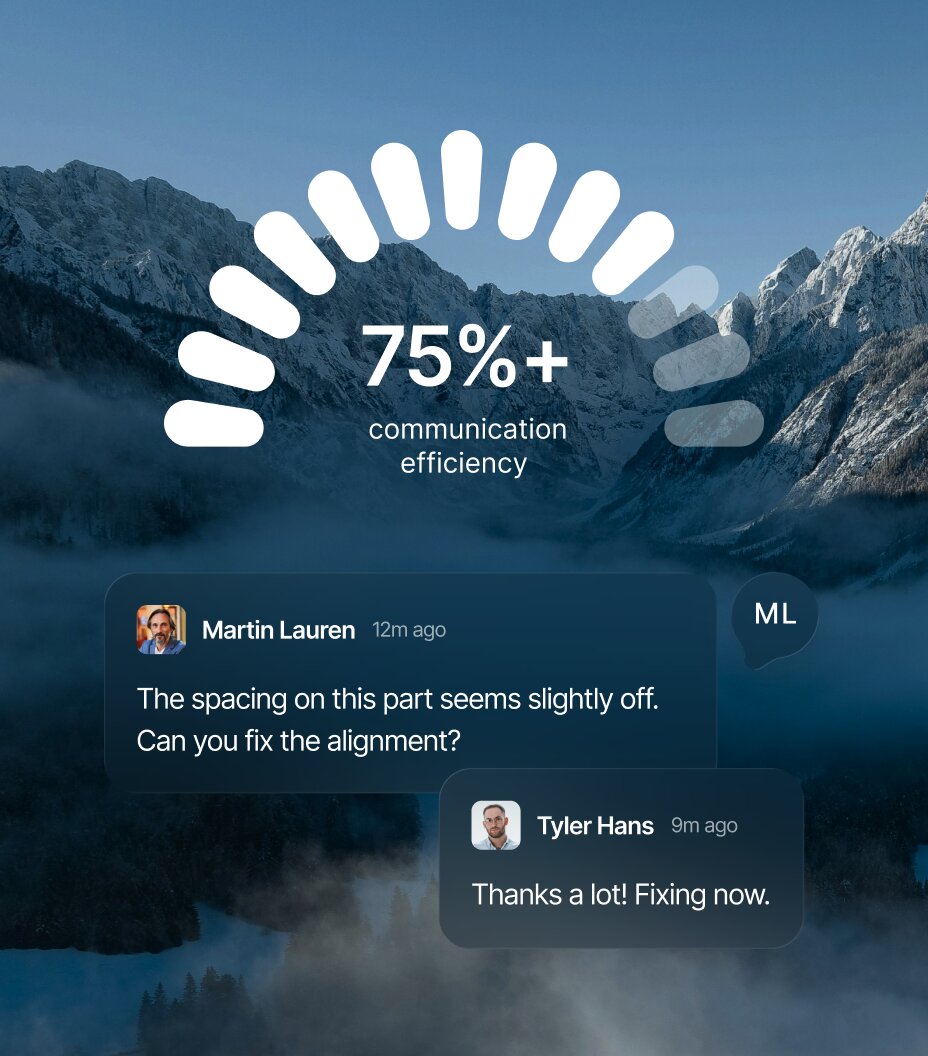
Comment and resolve
Comment right on the page - in your dashboard or the browser extension - then track replies and resolve.
TRUSTED BY
Hear us from people
that ship
Two review rounds, zero Slack threads, live on launch day. That turnaround became part of what we sell.




FAQ
Questions?
We have answers
Can I use Inlyne with multiple clients?
Yes. Each project in Inlyne can have its own client invites, so client A never sees client B's work — even though everything lives in your one workspace.
Will my clients see Inlyne branding or my agency's?
Inlyne stays minimal in the comment UI. Clients see your work — pinned comments on your live site — not a branded portal taking over their experience.
Do clients need to install or learn anything?
No. They click the invite link and start leaving comments. No account setup beyond their email.
Can Inlyne turn client feedback into a developer-ready task?
Yes. With Get Prompt for Agent on Pro Plus and Lifetime, Inlyne combines the client's pinned comment and follow-up replies with the latest target context and a fresh screenshot. It creates a clear implementation prompt in the client's comment language, copies it automatically, and saves the latest version for your developer. Each project includes 20 generations per 24-hour period.
Can we send client comments to Jira, Trello, or ClickUp?
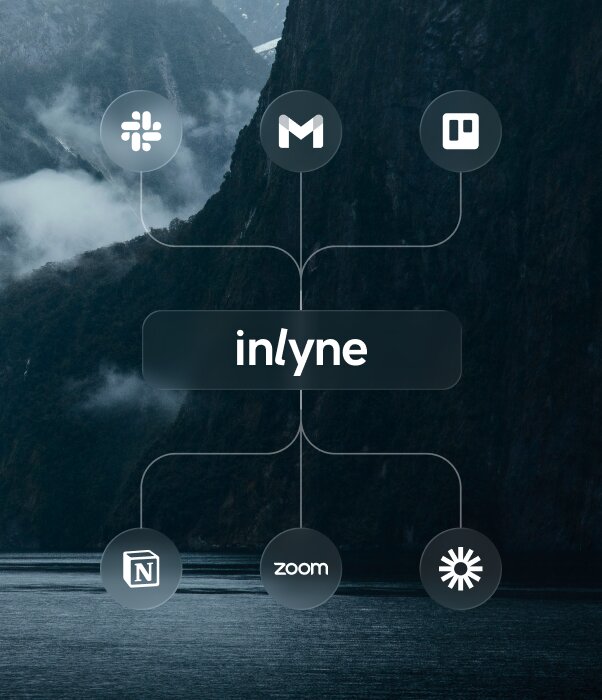
Yes. Connect Jira, Trello, or ClickUp once at workspace level, then choose destinations for each client project or when creating work from a comment. Inlyne creates the linked issue, card, or task with the comment text, page, device, URL, priority, and category. If those comment details change, your team can sync the external item, then mark it complete after resolving the comment in Inlyne. The integrations are included in Pro, Pro Plus, and Lifetime.
How many clients can I invite?
On Pro, you get 3 workspace invites and up to 3 project-level invites per project. On Pro Plus, invites are unlimited at both levels.
Is Pro Plus the agency plan?
Pro Plus works for solo operators and freelancers running many client projects, but if you have a team of creators or admins working in the same workspace, the upcoming Team plan is built for that. We'll have more on Team soon.
Can multiple people from my agency manage projects?
On Pro Plus you can add one extra editor — useful for a partner or PM. For teams of creators working together, watch for the Team plan launching soon.
What happens if a client leaves a comment after we close the project?
You control project status and invites. Remove a client's access anytime, or archive the project to lock further changes.
Can clients comment on production sites, not just staging?
Yes — Inlyne works on any site you can add the script to, including production. Many agencies use it during launch QA or post-launch polish rounds.
How do I bill clients for Inlyne use?
You don't, unless you want to. Inlyne is billed to your workspace, not theirs. Clients are free guests. Some agencies pass the cost through; most absorb it as part of their service.