
Ship faster with
feedback in context.
Feedback that stays in context - on any website or web app. Click, comment, resolve on the real page, even behind a login.
FEATURES
See, comment, and resolve feedback directly on live pages
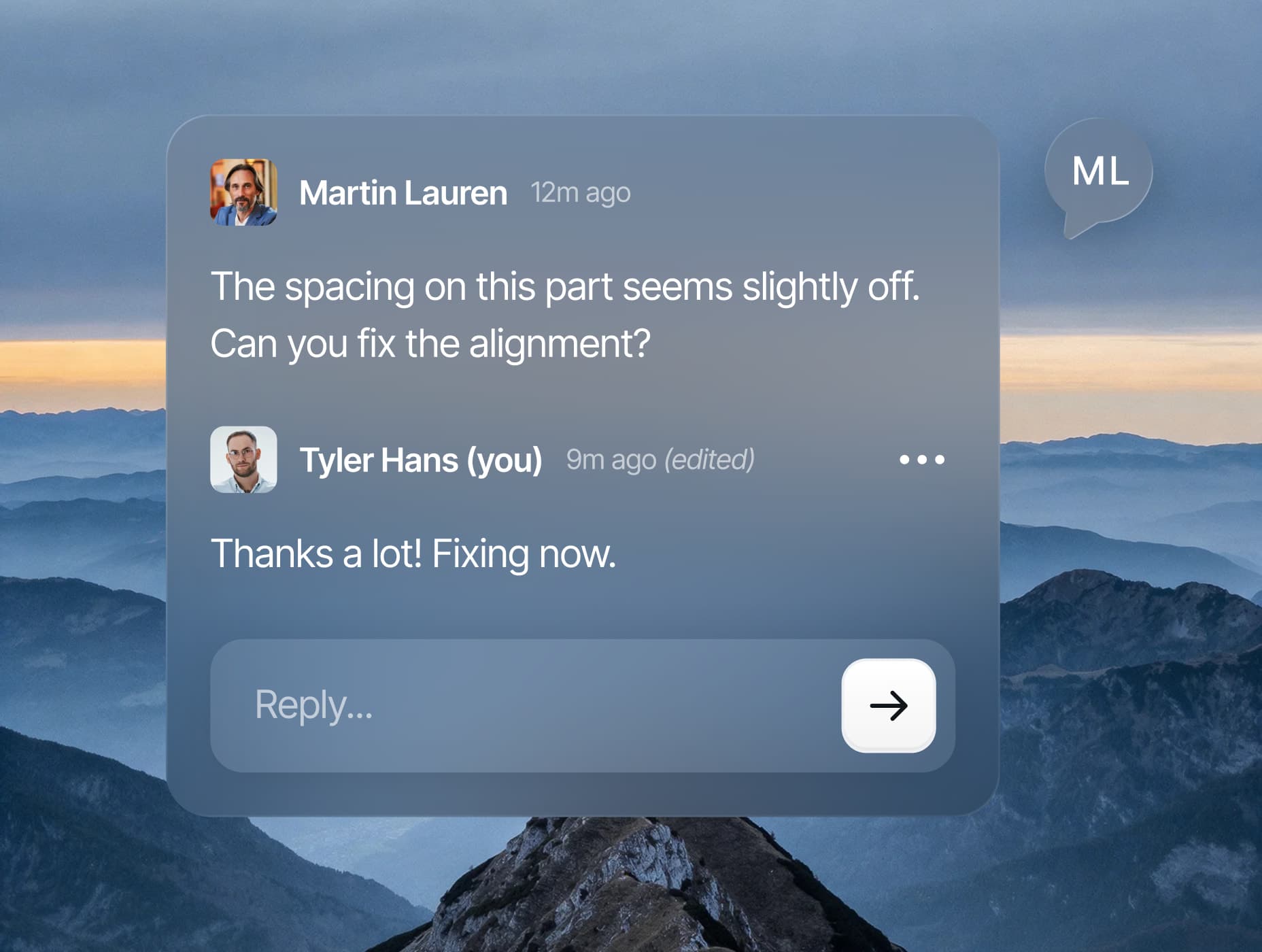
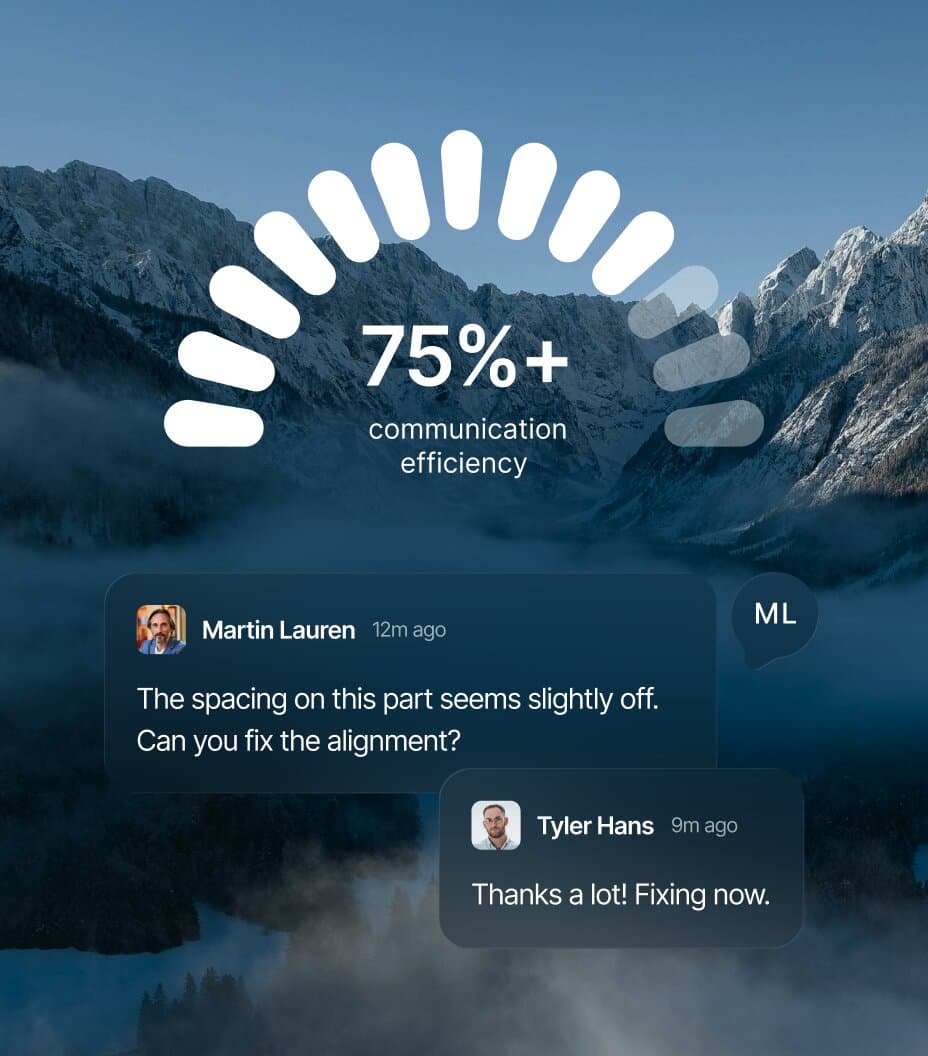
Comments directly on the live site.
Click anywhere to leave feedback. No screenshot or description. Every comment is anchored to a real element.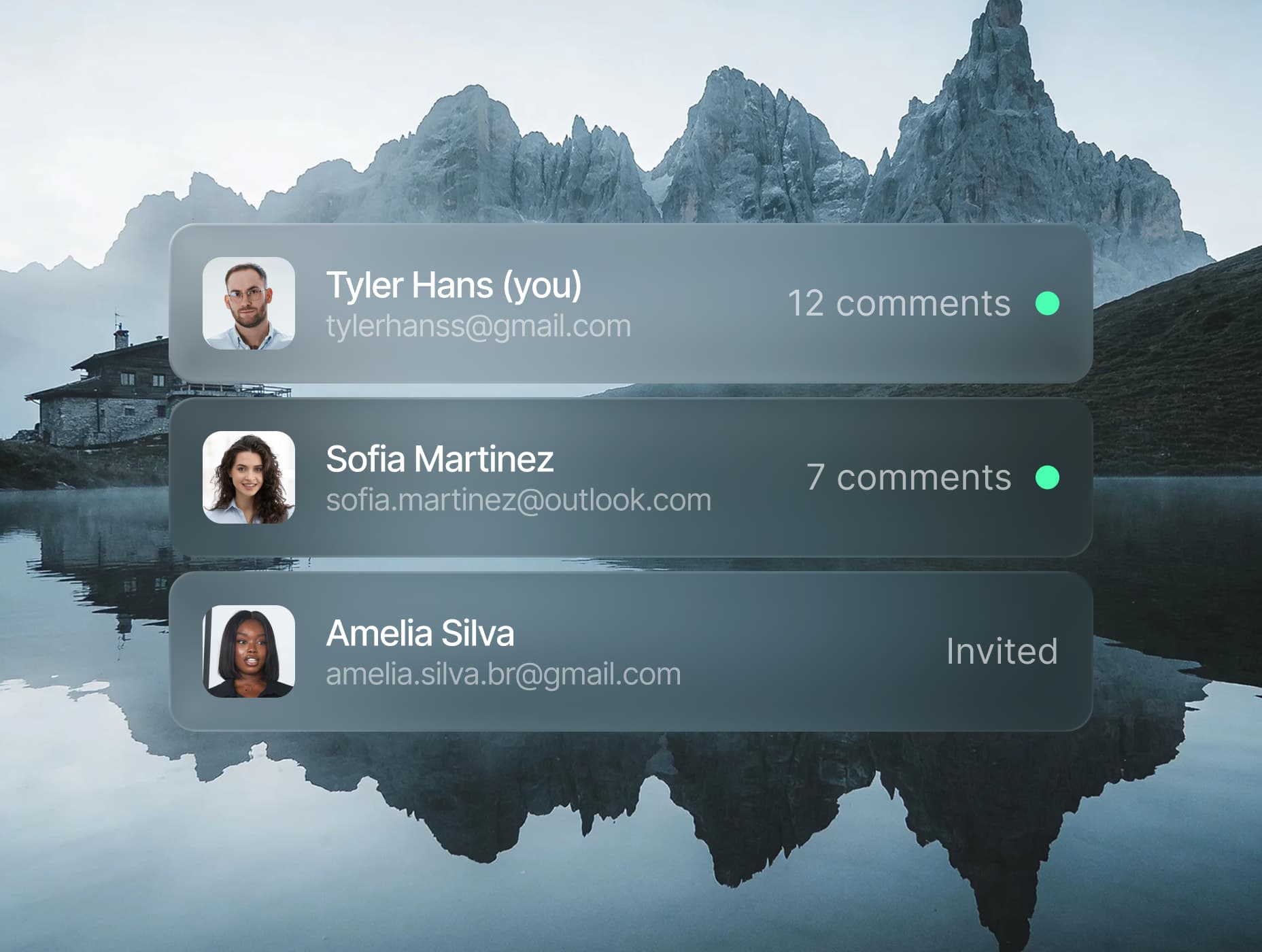
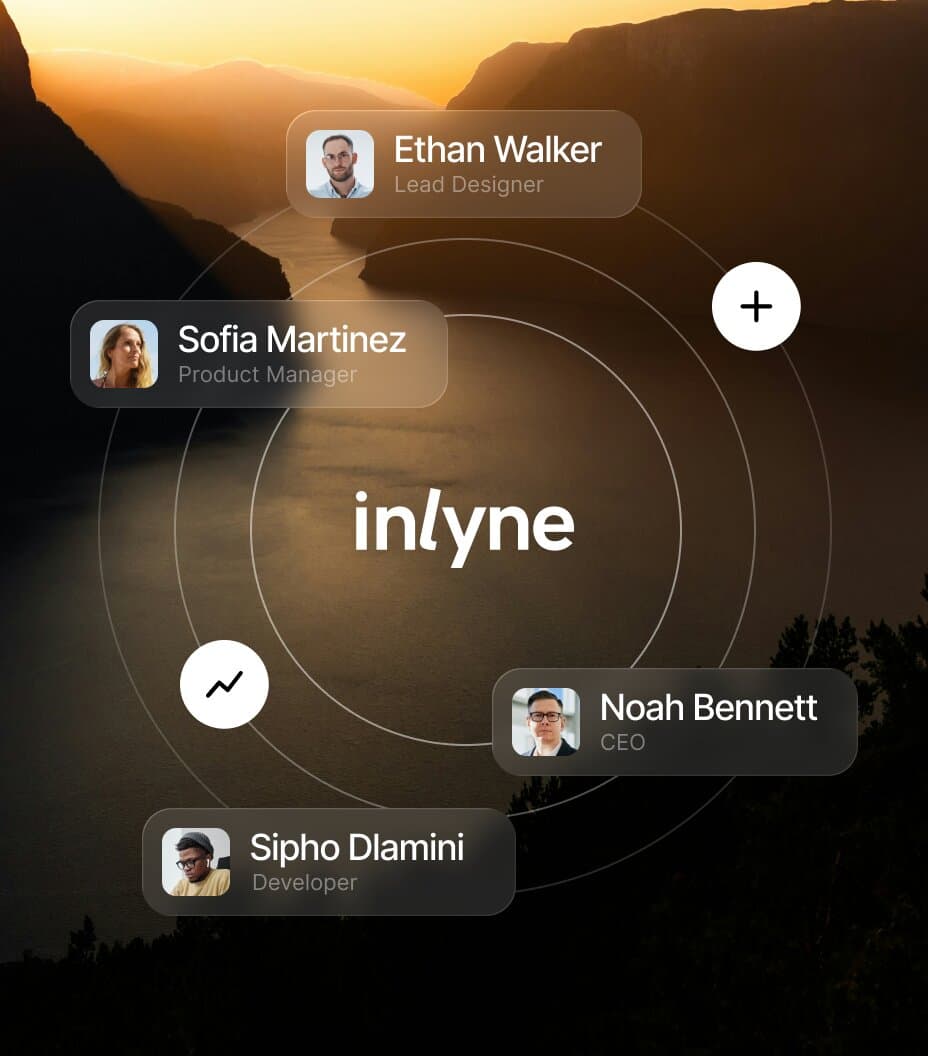
Built for teams, clients included.
Invite designers, developers, and clients to the same project, with clear ownership on every comment.HOW IT WORKS
From setup to feedback
in minutes
1
Add your project
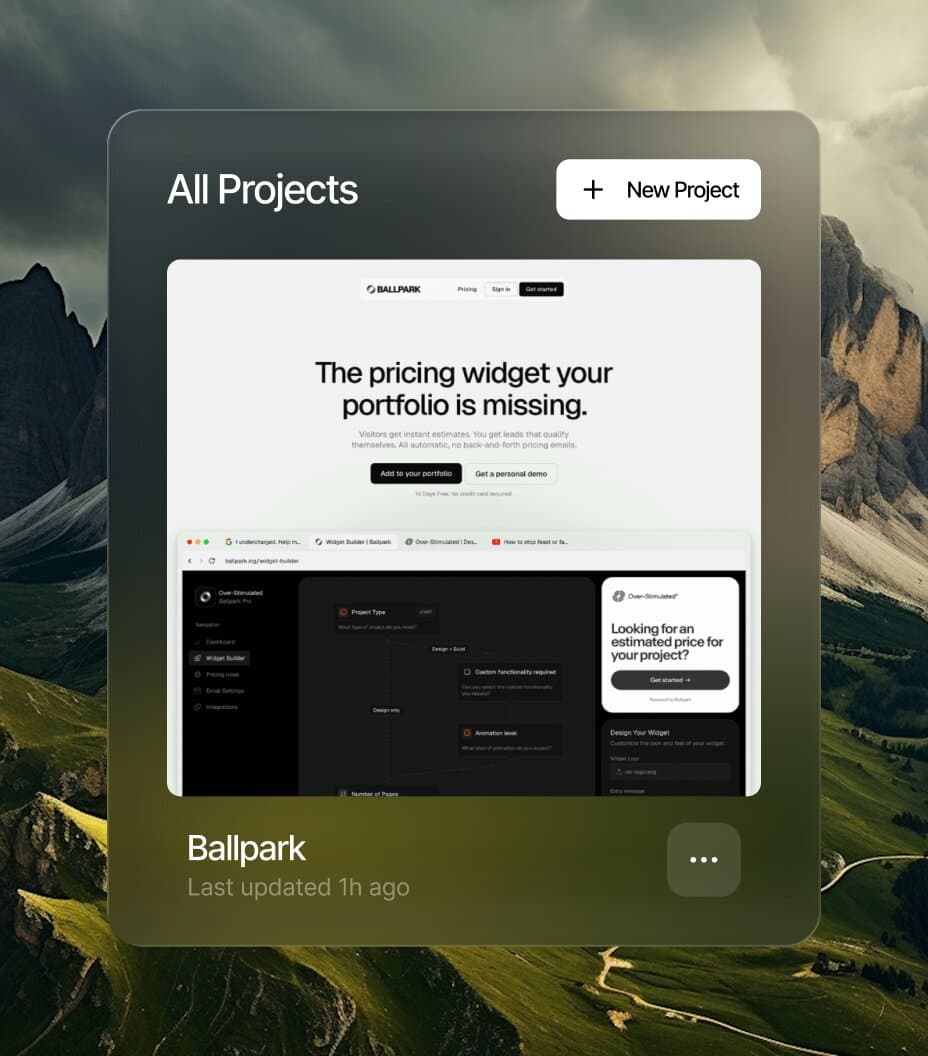
From your dashboard, add a public URL or connect your repo. Inlyne takes care of the setup.
2
Invite your team and clients
Invite designers, developers, and clients to the project. Everyone comments under their own name.
3
Comment and resolve
Comment right on the page - in your dashboard or the browser extension - then track replies and resolve.
PRODUCTS
Two ways to review.
Same setup.
Browser Extension
Open the live page in your own browser and comment on it directly. The only way to review web apps behind a login.TRUSTED BY
Hear us from people
that ship
Two review rounds, zero Slack threads, live on launch day. That turnaround became part of what we sell.




ADVANTAGES
Why agencies &
freelancers care?
Why agencies & freelancers care?

Less ops, more billable time.
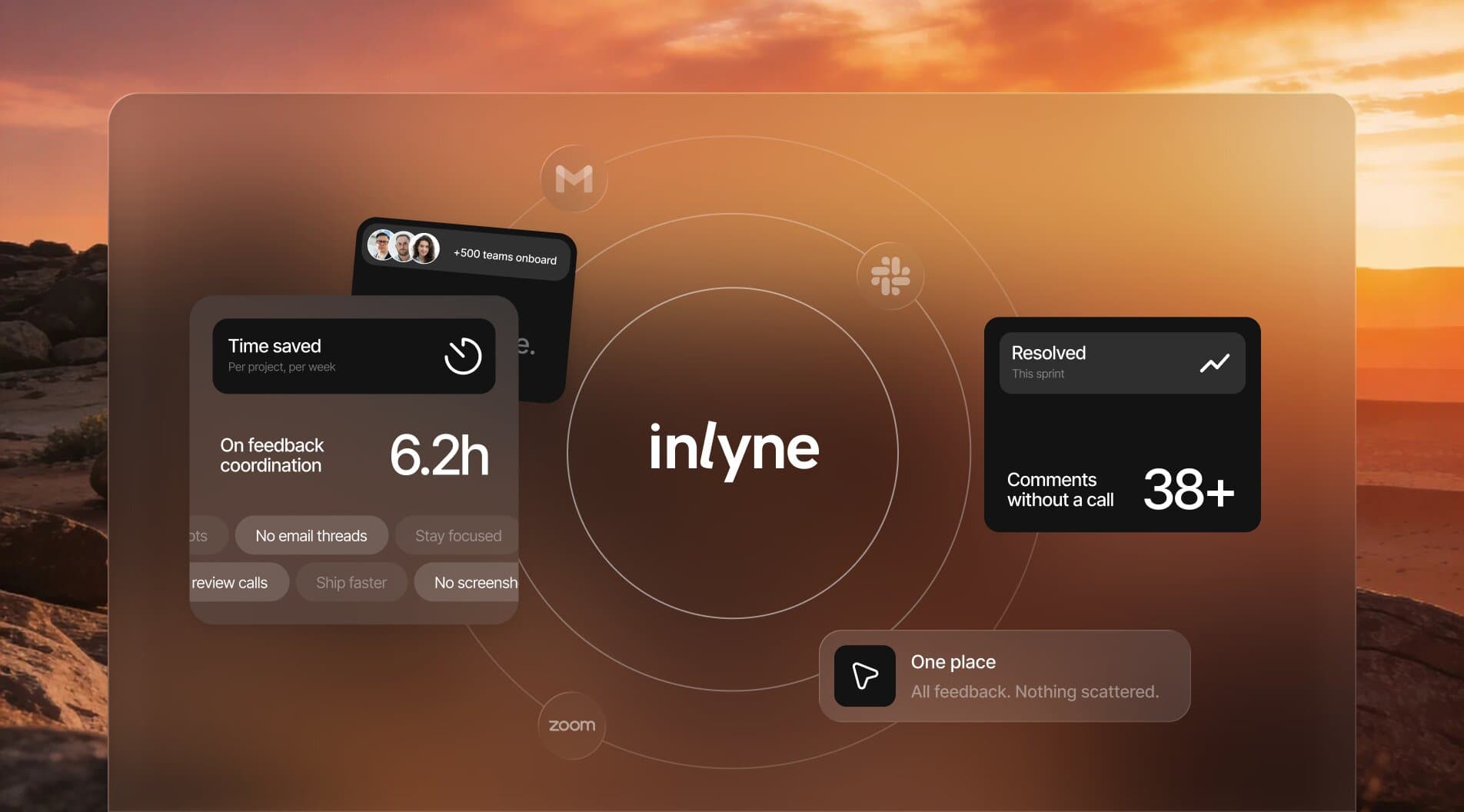
Stop managing feedback across calls, emails, and screenshots. Spend your time shipping.
Clients stay aligned by default.
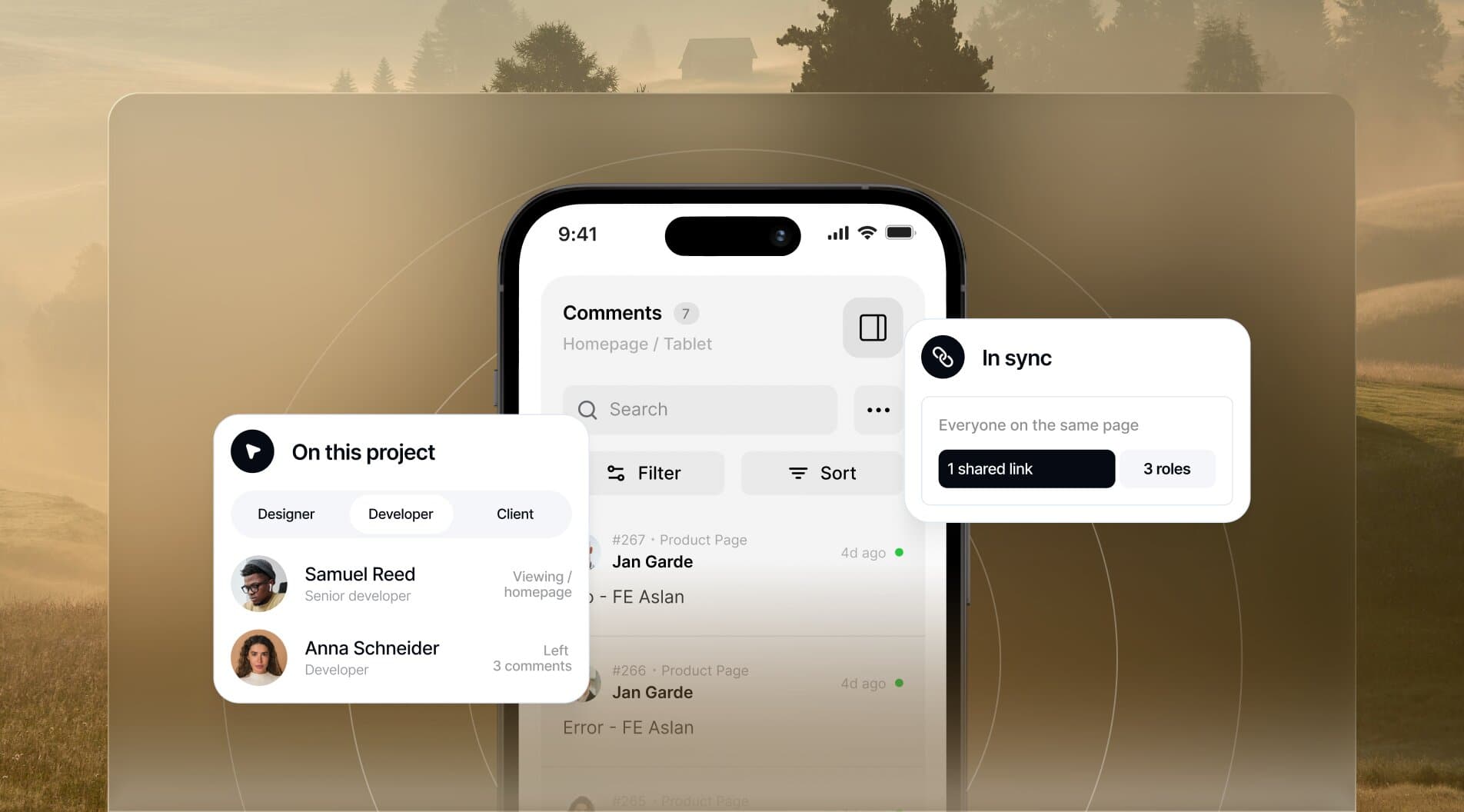
One shared link. No misunderstandings between designers, developers, and clients.
Nothing gets lost.
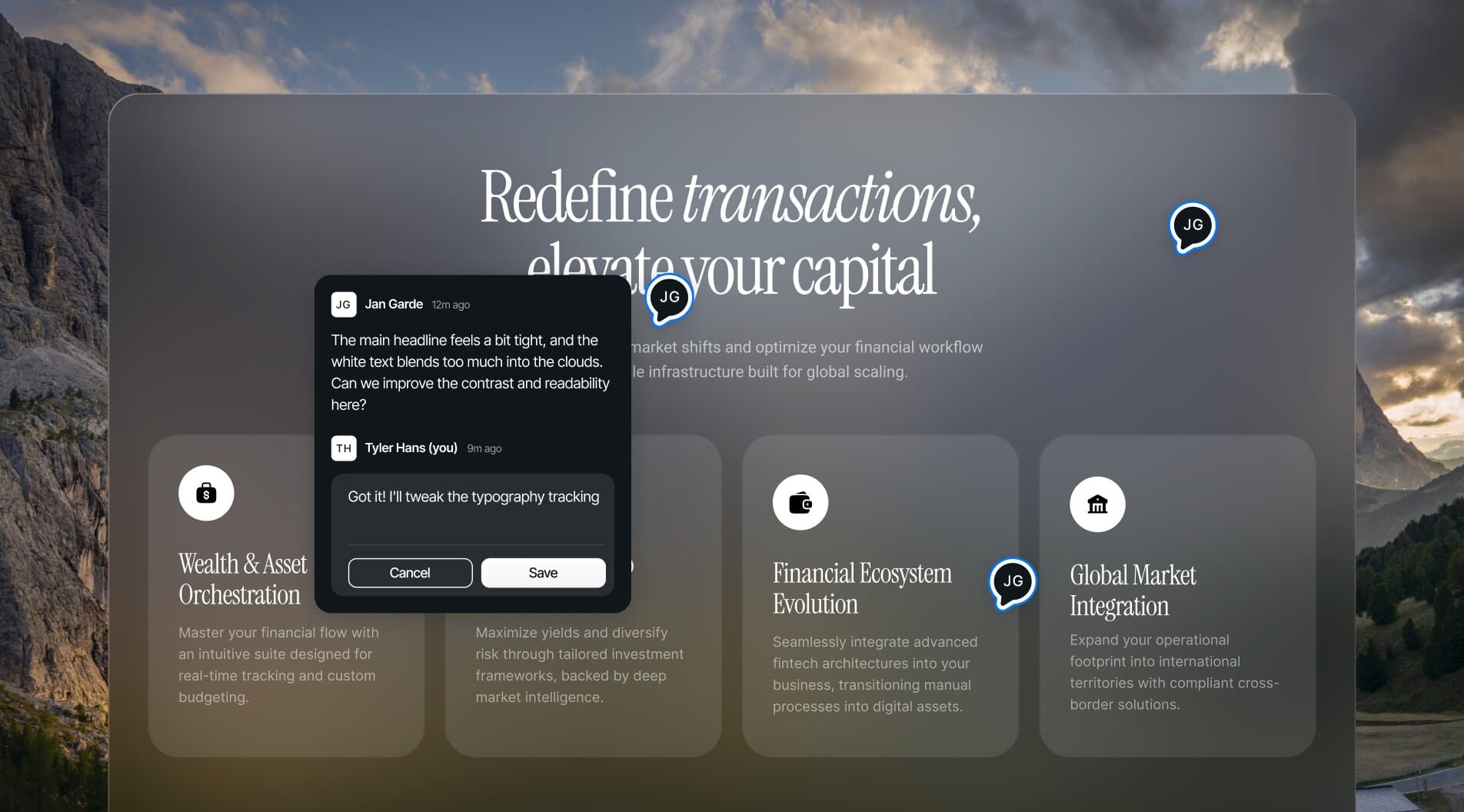
Every comment lives in one place, even after resolved, tied to the page and screen it was made on.
FAQ
Questions?
We have answers
What is Inlyne?
Inlyne is a visual feedback tool for web projects. You drop one script tag onto any website, and reviewers can click anywhere on the page to leave pinned comments — each one automatically captures the URL, viewport state, and a screenshot.
How does Get Prompt for Agent work?
On Pro Plus and Lifetime, Get Prompt for Agent combines a pinned comment and its replies with the latest target context and a fresh screenshot, then creates a clear implementation prompt for your coding agent. It writes the prompt in the original comment's language, copies it automatically, and saves the latest version for later. Each project includes 20 generations per 24-hour period.
Can I send comments to Jira, Trello, or ClickUp?
Yes. Connect Jira, Trello, or ClickUp to your workspace and turn any unresolved comment into an issue, card, or task in the destination you choose. Inlyne includes the comment plus its page, device, URL, priority, and category. You can sync later comment edits and mark the linked work complete after resolving the comment. These integrations are included in Pro, Pro Plus, and Lifetime.
How do I install it?
One line of code. Paste a script tag into your site's HTML (or your CMS's custom code section) and Inlyne is live. No SDK, no build step, no plugin required.
Does Inlyne work on staging sites?
Yes — staging is the primary use case. Add the script to your staging environment and your team or clients can review before anything goes live.
Do clients need an account to leave feedback?
They need an invite, but they don't need a paid plan. Anyone you invite as a commenter is free.
What's the difference between Pro and Pro Plus?
Pro ($19/mo) is for solo users with light usage — 3 active projects, 3 workspace invites, and a 30 comments/month cap per invited commenter. Pro Plus ($27/mo) removes the limits: unlimited projects, unlimited invites, unlimited comments, plus one extra editor seat.
Is there a free plan?
No free plan for new signups, but every account starts with a 14-day Pro Plus free trial. No credit card required up front.
Do I need a credit card to start the trial?
No. You can use Pro Plus for 14 days, then choose your plan and add a card before the trial ends.
What happens when my trial ends?
If you've added a card and picked a plan, you're charged and continue seamlessly. If not, your account goes read-only for 7 days, then locks — but your data stays preserved. Add a card anytime to resume.
Can I switch plans later?
Yes — upgrade, downgrade, or switch between monthly and annual anytime from settings. Annual saves about 30%.
Is Inlyne a project management tool?
No, and that's intentional. Inlyne does one thing — feedback on live web pages. It stays out of the way of whatever stack you already use.
Do I need to install the extension?
No. Setup is the same either way — create a project and add the script. After that, you can review right in your dashboard: your site loads inside Inlyne and reviewers just open a link, with nothing to install. The browser extension is optional — install it only when you want to comment on a live page in your own logged-in session. Guests you invite to comment are always free.
Can I collect feedback on pages behind a login?
Yes — that's exactly what the browser extension is for. A shared dashboard link is perfect for public and staging sites, but it can't load pages that sit behind authentication. The extension reviews the real page in your own browser session, so anything you can log into, you can leave feedback on.