FOR FREELANCE DEVELOPERS
Get paid for code, not for chasing feedback.
You're not a project manager. Inlyne lets clients leave pinned comments directly on the staging site — with URL, viewport, and screenshot baked in — so you can close the ticket instead of asking what they meant.

WHY DEVELOPERS SWITCH
Built for solo devs juggling multiple clients
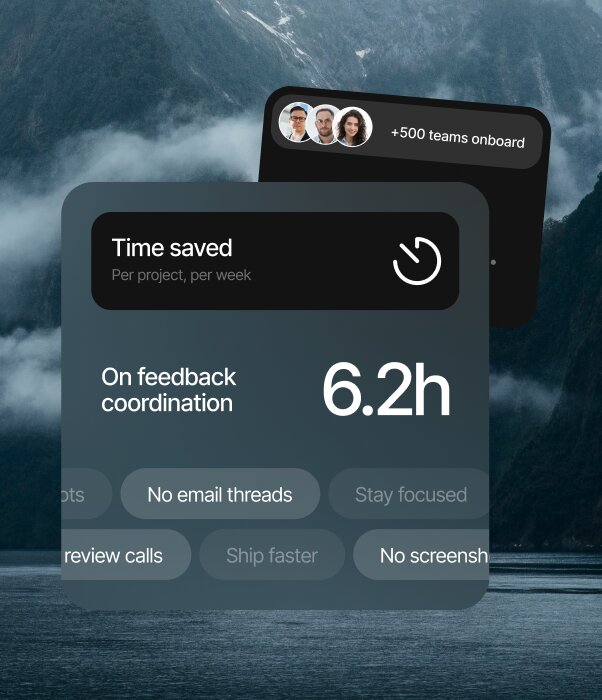
Fewer revision rounds
Clients show you the exact element. No "the button on that one page" — you see the pin, the viewport, the screenshot.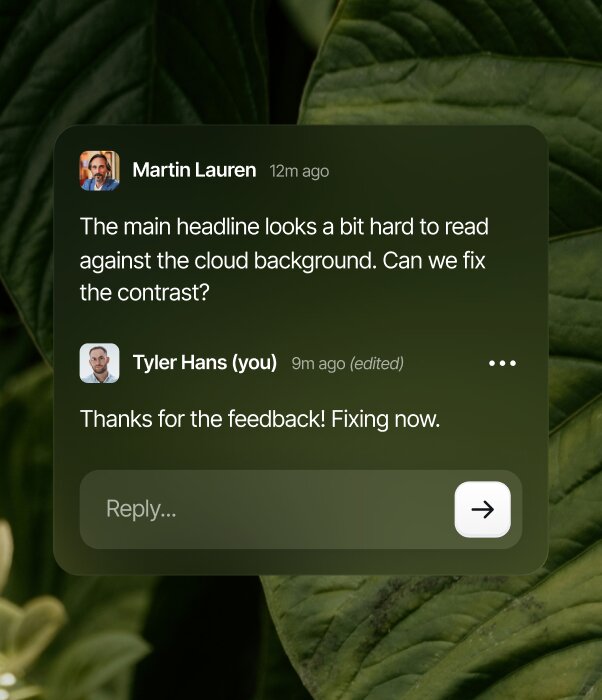
Clients review themselves
Send one link. They click, comment, done. No onboarding call, no Loom walkthrough, no scheduled review meeting.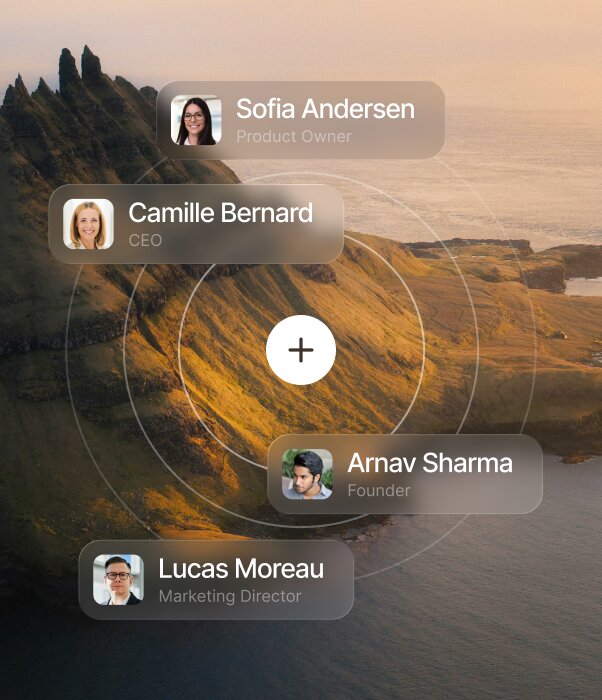
Free for every client
Guests never pay. Bring as many clients and reviewers as you want — you only pay for your own workspace.HOW IT WORKS
From setup to feedback
in minutes
1
Add your project
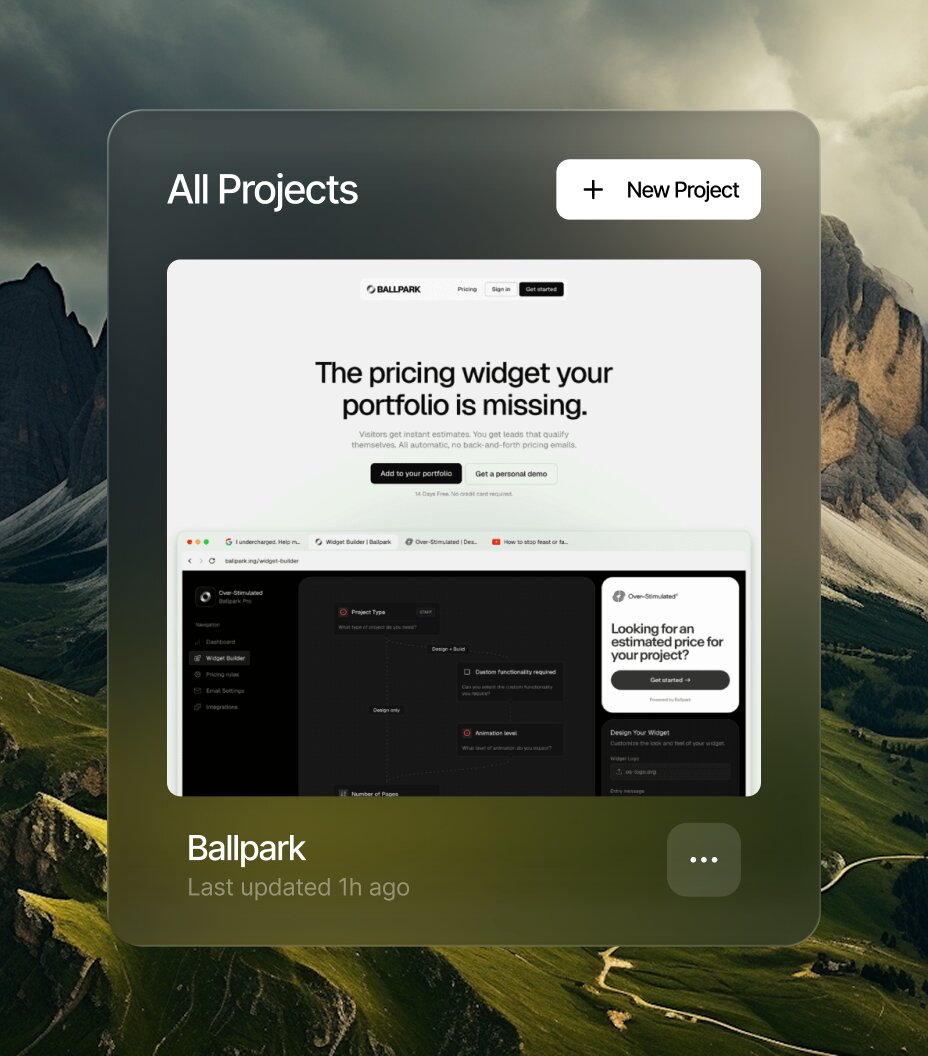
From your dashboard, add a public URL or connect your repo. Inlyne takes care of the setup.
2
Invite your team and clients
Invite designers, developers, and clients to the project. Everyone comments under their own name.
3
Comment and resolve
Comment right on the page - in your dashboard or the browser extension - then track replies and resolve.
TRUSTED BY
Hear us from people
that ship
Bug reports used to be riddles. Now every comment arrives with the page, viewport, and screenshot attached, so I fix instead of investigate.




FAQ
Questions?
We have answers
Does Inlyne affect site performance?
The script loads asynchronously and is lightweight. It won't block rendering or affect Core Web Vitals on the pages where it's installed.
Can I install Inlyne only on staging, not production?
Yes — only add the script to the environments you want to collect feedback on. Most teams install it only on staging or QA branches.
What does Inlyne capture with each comment?
URL, viewport dimensions, browser, and a screenshot of the page state when the comment was made. You get the full context without asking "what browser?" or "what screen size?"
Can I turn an Inlyne comment into a prompt for my coding agent?
Yes. Get Prompt for Agent, available on Pro Plus and Lifetime, reads the pinned comment and its replies, checks the latest target context, and captures a fresh screenshot when you generate. It creates a developer-ready prompt in the original comment's language, copies it automatically, and saves the latest prompt so you can paste it into the coding agent in your IDE. Each project includes 20 generations per 24-hour period.
Does Inlyne work with single-page apps (React, Vue, Next.js, etc.)?
Yes. Comments stay pinned across route changes as long as the element they're attached to still exists.
Can I install it via npm or as a package?
Right now it's a single script tag — the simplest possible install path. Framework-specific plugins (WordPress, Framer, Webflow) are on the roadmap.
Will Inlyne integrate with my issue tracker?
Yes. Jira, Trello, and ClickUp integrations are available now on Pro, Pro Plus, and Lifetime. Connect a service at workspace level, then create a Jira issue, Trello card, or ClickUp task from any unresolved comment in the destination you choose. Inlyne sends the comment text, page, device, URL, priority, and category. You can sync later comment edits and mark the linked work complete after resolving the comment. Changes made directly in the external tool are not imported back automatically.
Is there an API?
Not at launch. Webhooks are planned as part of the integrations pipeline.
Does Inlyne work behind a login or authentication wall?
Yes — as long as your reviewers can access the page, Inlyne loads with it. The script doesn't care whether the page is public or gated.
What about CSP (Content Security Policy)?
You'll need to allowlist the Inlyne domain in your CSP. Install docs walk through this.
Where is comment data stored?
On Inlyne's servers, not your site. Your site only loads the script; everything else lives in your Inlyne workspace.